Astro Pi Challenge

Send your code to space!

Join this year’s international Astro Pi Challenge and give young people the opportunity to run their code on the International Space Station (ISS).

Participants can choose between two exciting missions — one perfect for beginners, and one designed for experienced coders.

I am:

Contact Layne to get more information about the Astro Pi challenge.

Choose Your Mission

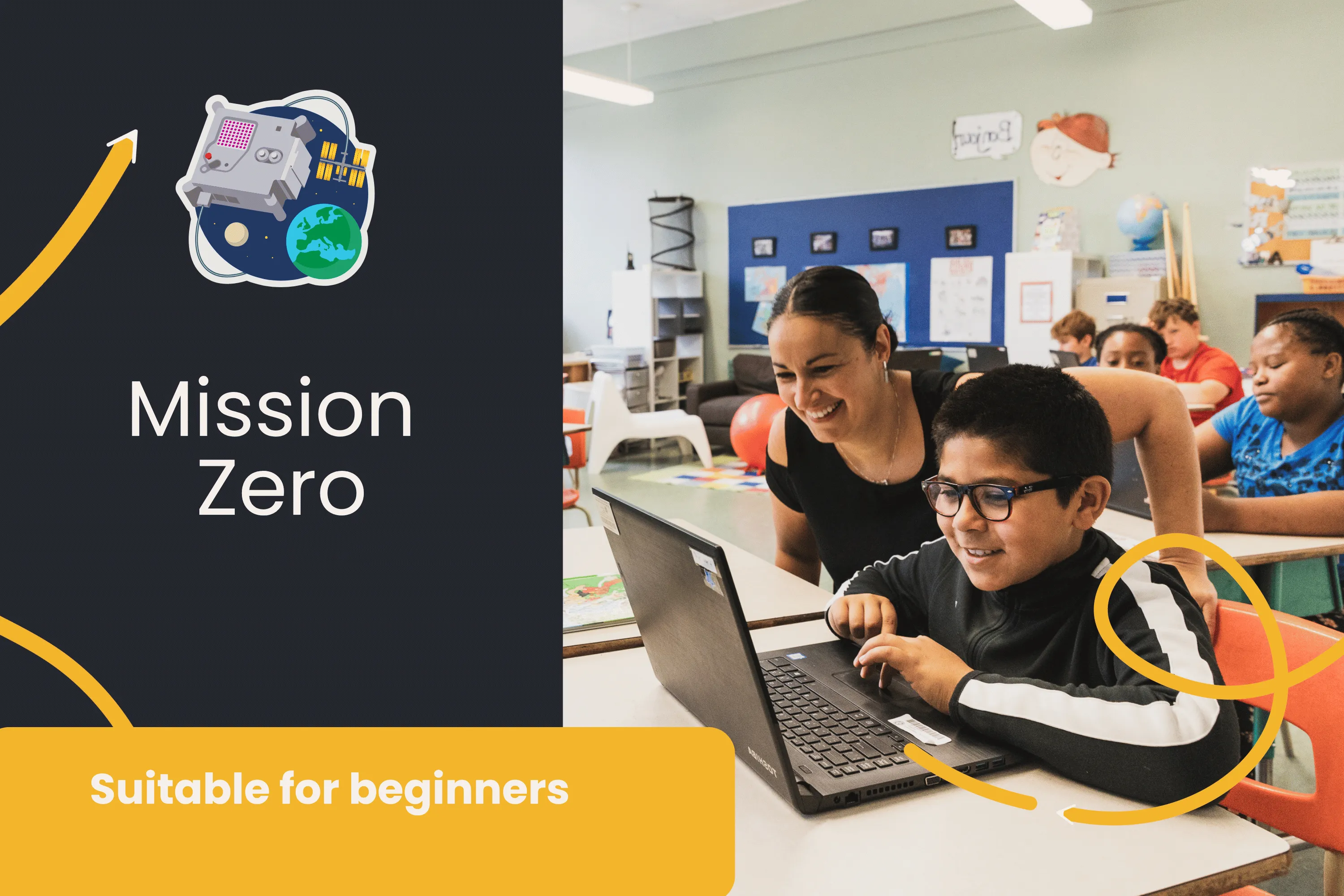
Mission Zero (Beginner-Friendly)

Perfect for first-time coders or primary school–aged participants.

Create a simple Python program that displays a personalized image or animation on an Astro Pi computer aboard the ISS.

What you'll do:

Display a nature-inspired image or animation for astronauts

Use the Astro Pi’s colour and luminosity sensor to set your background

Follow a guided, step-by-step online activity

Create everything right in your browser — no hardware or experience needed

Complete your project in under 60 minutes

Submission deadline: March 23, 2026

Who is it for?

Beginners

Anyone new to Python

Educators looking for a simple, one-session classroom activity

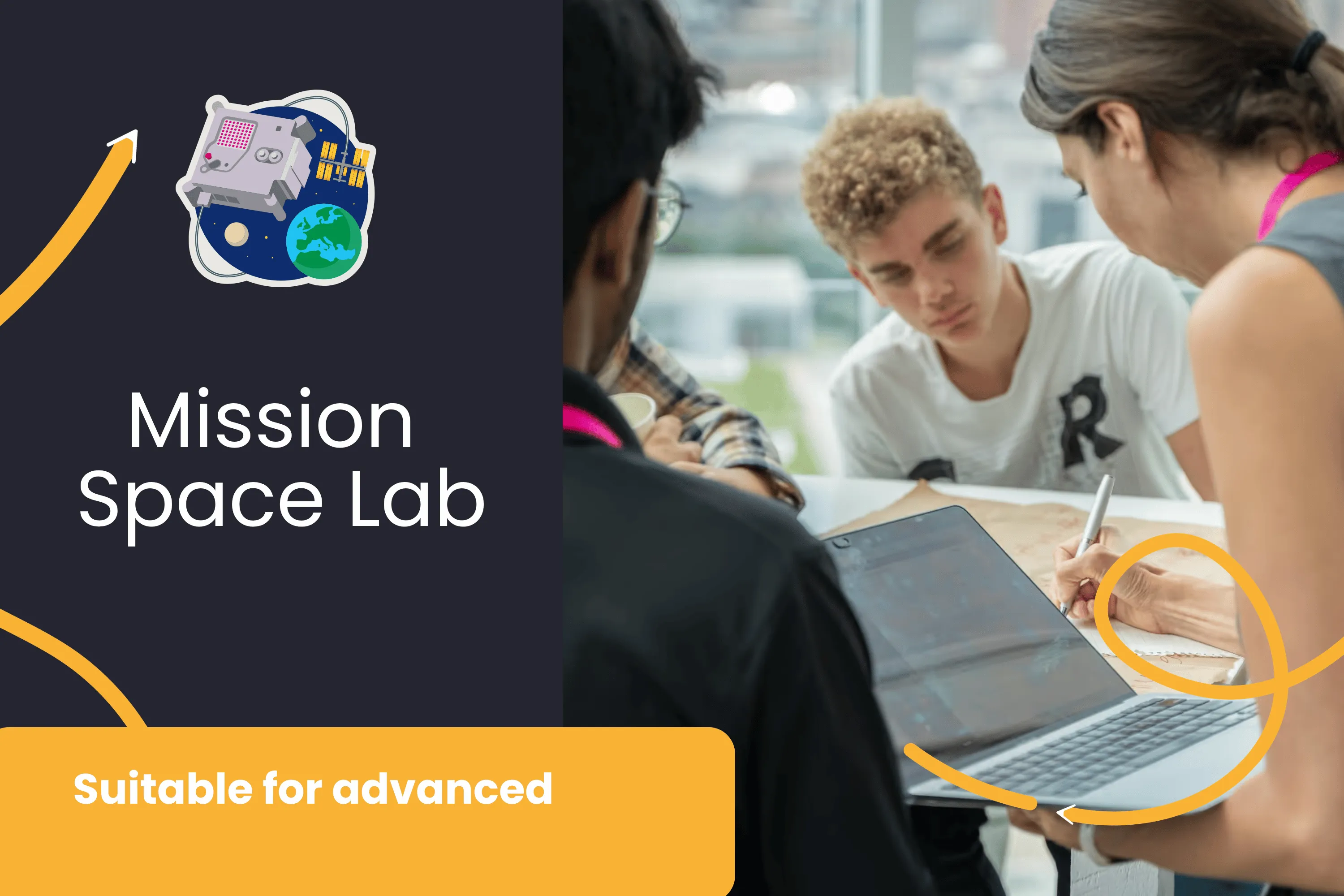
Mission Space Lab (Advanced)

For teams with some coding experience who want a real scientific challenge.

Write a Python program that gathers data from Astro Pi sensors or cameras to calculate the speed of the ISS in orbit.

What you'll do:

Capture live sensor or camera data from the ISS

Use your data to calculate its speed in km/s

Learn about physics, space science, and the ISS

Test your program using the online Astro Pi Replay Tool

Have your code deployed on the actual ISS if your project is selected

Technical requirements:

Python coding experience

Any macOS, Windows, or Linux computer

Testing done online using the browser-based Replay Tool

Raspberry Pi optional (not required)

Submission deadline: February 16, 2026

Who is it for?

Teens and groups with coding experience

Classrooms, clubs, or teams wanting a multi-session challenge

Who Can Participate?

The Astro Pi Challenge is open to all young people — in classrooms, clubs, after-school programs, Code Clubs, or independently. Educators, facilitators, and mentors are welcome to lead a group.